AI / ChatGPT

AI & ChatGPT Practical Guide

AI is a powerful partner when you know how to ask good questions and verify its output. Learn prompt design, AI-assisted coding, and how large language models work.

Recommended For

  • Learners who want to use ChatGPT as a 24/7 personal tutor for programming and study
  • Creators who want to build apps, games, and websites faster with AI assistance
  • Students and parents who want to understand AI safety, hallucinations, and privacy rules

What You Will Master

Structured Prompt Engineering

Give clear context, roles, constraints, and output formats so AI produces accurate, actionable answers.

AI-Assisted Coding & Debugging

Use AI to explain error messages, review code, and brainstorm implementation steps without losing your own understanding.

AI Literacy, Verification & Safety

Protect personal data, spot AI hallucinations, and evaluate generated content critically.

3 Golden Rules for Learning with AI

Turn AI into a skill multiplier instead of a shortcut that stops you from thinking.

  1. 1. Share Your Goal and Current Level Tell the AI what you are trying to build and ask it to explain step by step at your level.
  2. 2. Always Run and Test Generated Code Never assume AI output is 100% bug-free—run the code, check the result, and ask follow-up questions.
  3. 3. Never Paste Personal or Secret Information Keep real names, passwords, API keys, and private school/work data out of prompts.

Watch Out For These Habits

  • Copy-pasting long AI-generated code without understanding what each section does.
  • Believing plausible-sounding facts without checking reliable sources.

AI / ChatGPT 3-Step Learning Roadmap

  1. Step 1: Master Clear & Specific Prompts Learn the difference between vague questions and structured prompts with goals and examples.
  2. Step 2: Use AI as a Coding & Learning Coach Ask AI to break down complex concepts or give hints rather than just copying finished answers.
  3. Step 3: Combine AI with Python & Web Development Build real tools and workflows by pairing AI capabilities with your own programming skills.

Featured Courses

AI・ChatGPTで画像認識AIを作ろう!1を学ぶキノコードの学習コースサムネイル

画像認識AIを作ろう!1

「AIってなに?」から始めて、AIの開発環境を準備し、画像認識AIを実際に動かしながら学びます。

AI・ChatGPTでAIコーディング入門1を学ぶキノコードの学習コースサムネイル

AIコーディング入門1

AIコーディングで、小さく頼み、差分と動作を確認し、間違いを見抜きながら作る入門コースです。

AI・ChatGPTでAIコーディング入門2を学ぶキノコードの学習コースサムネイル

AIコーディング入門2

AIコーディングエージェントを使うときに出てくる、モデル、ハーネス、サービス、コンテキスト、トークン、指示ファイル、Skill、Hooks、MCPを役割ごとに整理します。

AI・ChatGPTでAIコーディング入門3を学ぶキノコードの学習コースサムネイル

AIコーディング入門3

AIコーディングの内部構造を、イベント、hooks、permissions、loop、context、subagents、goalのつながりから深く理解するコースです。

AI・ChatGPTでClaude Code・Codex フック実践 — AI開発の自動化と品質管理を学ぶキノコードの学習コースサムネイル

Claude Code・Codex フック実践 — AI開発の自動化と品質管理

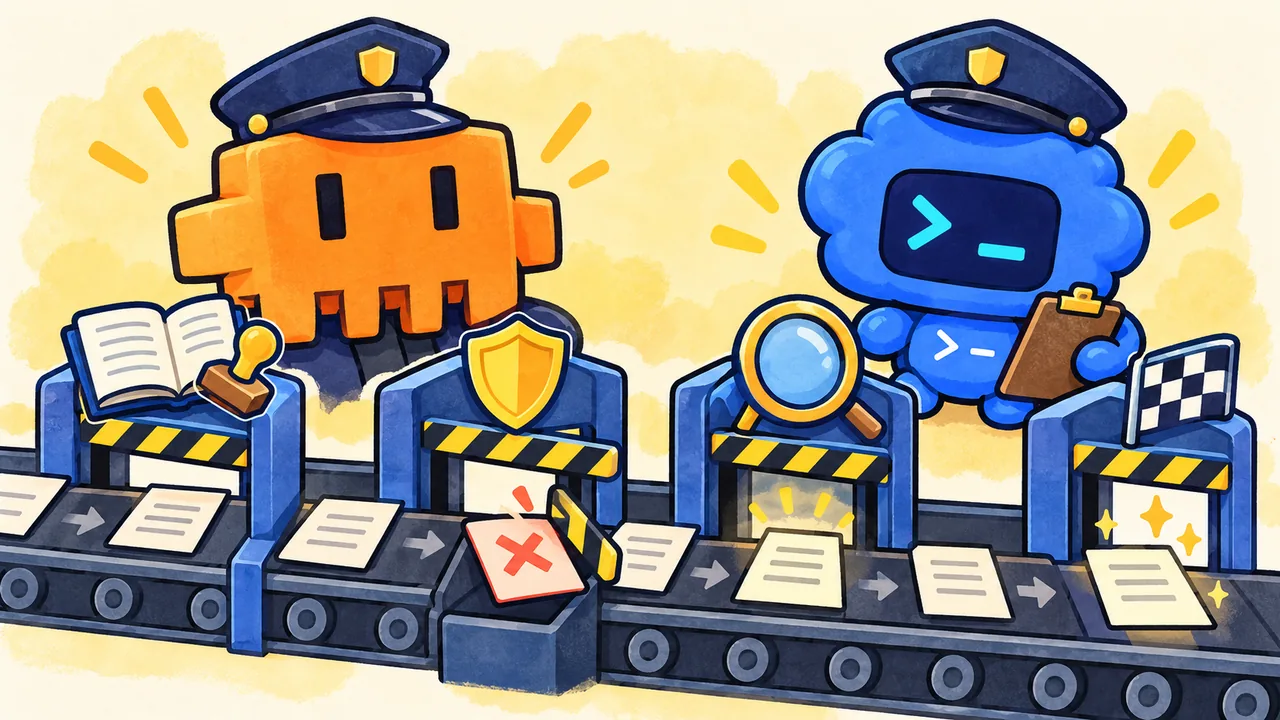
Claude CodeとCodexのフックで、開始ログ・操作前の保護・編集後の検査・終了条件を組み立てます。Windows・PowerShell・Node.jsを使い、専用フォルダーで登録から実行結果、診断と復旧までを学ぶ8説明ステップ・24問のスライドコースです。両製品の基本操作と利用できる環境が必要です。

Frequently Asked Questions

If AI can write code, why should we still learn programming?

Knowing programming fundamentals lets you give precise instructions to AI, spot bugs when AI makes mistakes, and design how an entire application fits together.

Can children use AI safely on KinoCode?

Yes. Our lessons teach safe prompting habits, privacy protection, and critical thinking alongside technical skills.